Share a score challenge with friends
By Duncan, who runs CamJam.Fun. Published October 27, 2026.
A game gets more fun when someone else is trying to beat you. CamJam.Fun has a simple way to do that without accounts or leaderboards: a score challenge link. When a run ends you can share your score, and whoever opens the link sees the number they need to beat.
This guide explains how it works and how to run a small competition around it.
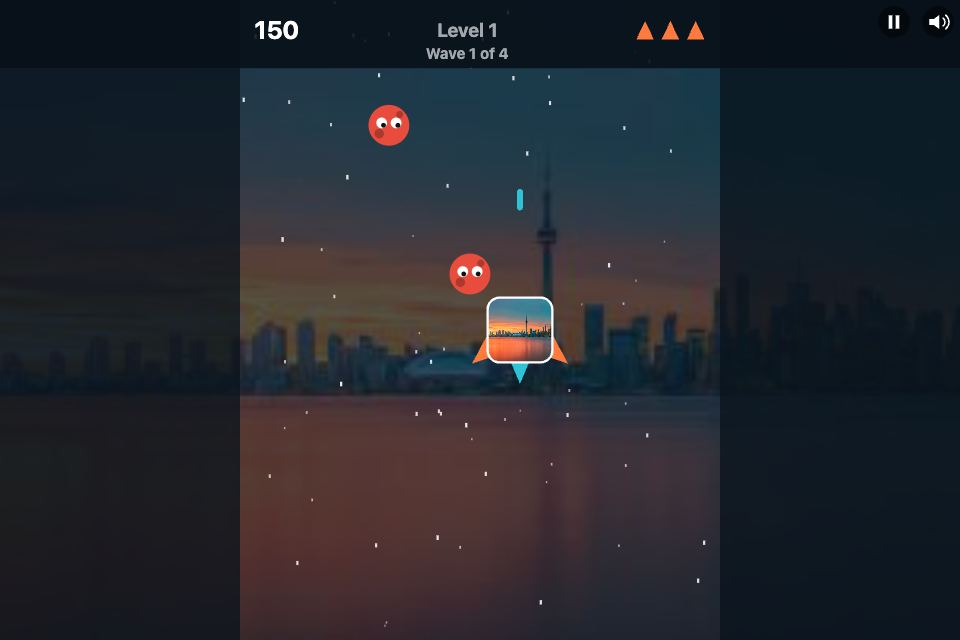
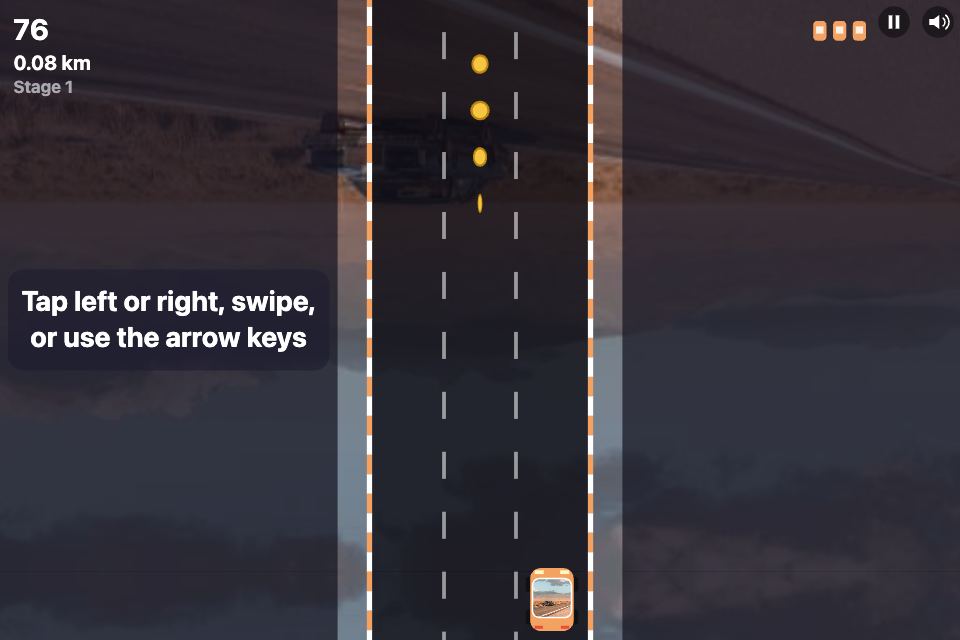
An example made from a picture we drew. Make a game from your own photo.
This example comes from our photo platformer page.
Examples made from real photos
How a challenge link works
When a run ends, the share button offers a message such as "I scored 840 on Garden Run. Can you beat it?" and a link to the same game with your score attached. The person who opens the link sees "Beat 840" in the game. That is all. There is no ranking site and no list of names, so nobody has to sign up.
Step by step
- Make a game from a photo on the home page, or open one a friend sent you.
- Play until the run ends.
- Tap the share button on the end screen.
- Choose a messaging app or copy the link.
- Send it to a friend, a sibling or a group chat.
- When they beat you, they can send a new challenge back.
Pick a game that suits a challenge
Score-based games work best: the brick breaker, the platformer, the space shooter and the quiz all give a number at the end. The quiz rewards quick answers and streaks. The arcade games reward steady hands and nerve. The sliding puzzle and memory games finish when you win, so a challenge there is more about how fast you finished.
Ideas for friendly contests
- Family week: one game, one week, the winner chooses the next photo.
- Classroom break: a quiz made from the unit, with a shared challenge link on the board.
- Pet contest: each person makes a game from a photo of their pet and the others play it.
- Long distance: send a challenge link to a grandparent or cousin overseas.
- Best of three: play three runs and share only the best.
Keep it fair and kind
Agree the rules before you start: how many tries, what counts, and whether you can ask for an easier game. If a player finds a game too hard, ask for a change by typing a request, such as "make it slower", or tap a preset chip. A game that suits everyone is more fun than one that frustrates half of them.
Privacy
Your game link is private to the people you send it to. The score challenge uses that same link, so you can invite exactly the people you want. Nothing is shown in the public gallery unless the maker chooses Publish to gallery, and any game page has a Report link if something is wrong.
Making the first message good
When you share, add a line of your own before the link: who you are challenging, how many tries you took, and a promise or a dare. A short message such as "Beat this if you can, Grandpa" does more to start a game than a link with no words around it. Keep the tone friendly and the stakes small.
Questions
Is there a leaderboard?
No. A challenge shows only the number you are trying to beat.
Can someone fake a score?
The score in a link is just a number in the address, so treat it as part of a friendly game and not a verified record.
Do my friends need an account?
No. They open the link and play.
What if my friend gets a different game?
Each link opens the specific game it was made for, so a challenge always points at the same game with the same photo. If you want to compete on something new, make a fresh game and send a new link.
Try it
- Photo brick breaker
- Photo space shooter
- Photo platformer
- Photo slicing game
- Photo soccer game
- Photo racing game
About the author
Duncan runs CamJam.Fun, a small independent project that turns photos into games. The site is free and paid for by advertising. You can reach him from the Contact page.