Turn a pet photo into a game
By Duncan, who runs CamJam.Fun. Published October 27, 2026. Updated November 16, 2026.
Pets get photographed more than almost anyone in the family, and they make surprisingly good game heroes. Your cat can fly a spaceship. Your dog can run through a garden level. A rabbit can hide behind a wall of bricks. All you need is one clear photo.
This guide explains what to photograph, what games to expect and how to get the most out of them.
An example made from a picture we drew. Make a game from your own photo.
This example comes from our photo space shooter page.
Examples made from real photos
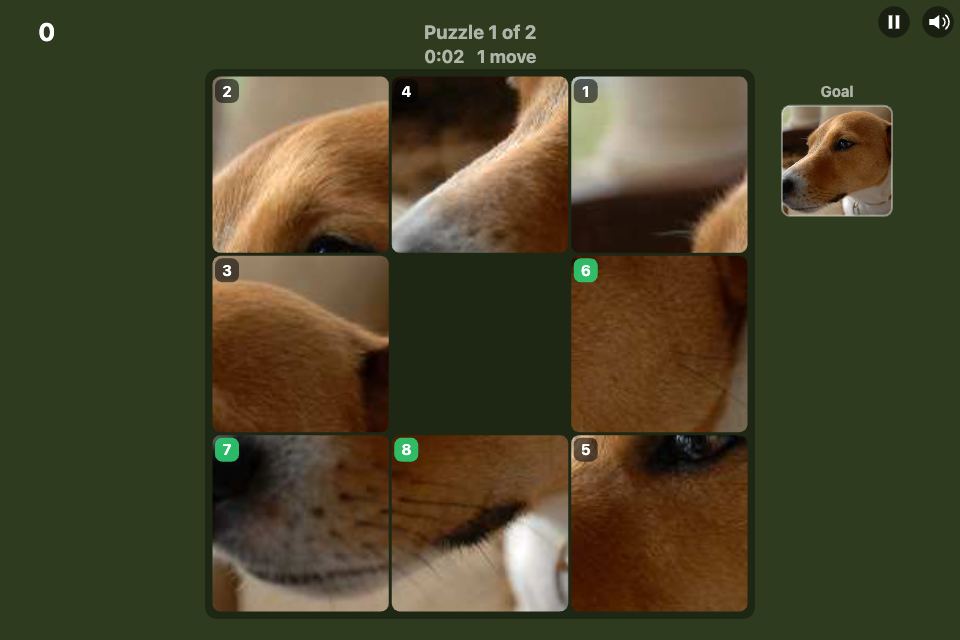
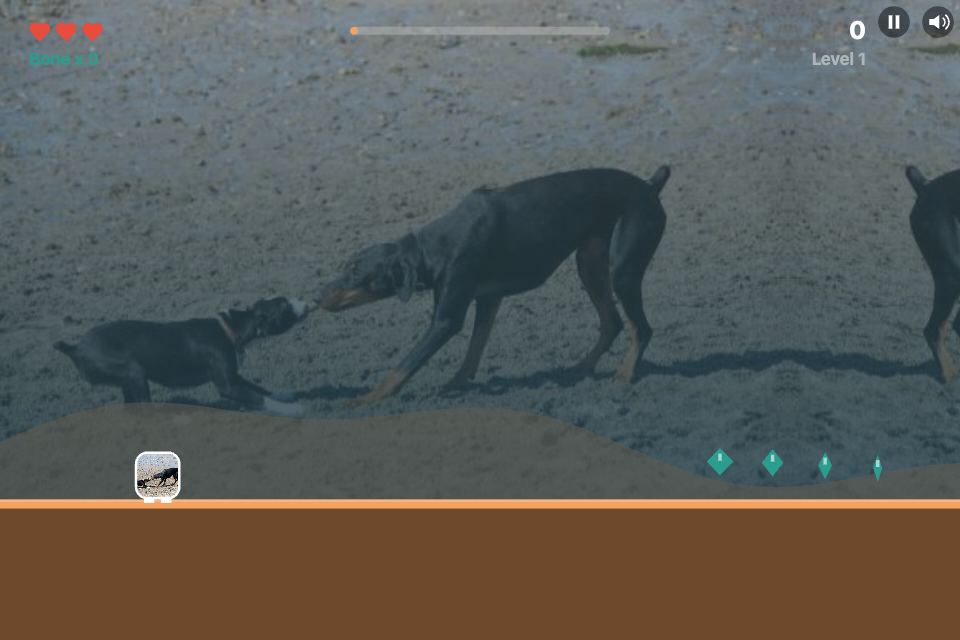
Take a photo that works
Games look best when the pet is easy to see. A sharp face matters more than a perfect pose.
- Height: get down to the pet's eye level. A pet looking up at you makes a good hero, but a pet seen from above is mostly a blob of fur.
- Light: use daylight from a window and turn the flash off, which avoids red eye and glare. A dark photo makes a puzzle hard and a platformer dull.
- Framing: let the pet fill a third or more of the picture, with its whole face in the shot. If the face is cut off, the game has nothing to build around.
- Background: a plain floor or lawn lets the pet stand out.
- Focus: tap the pet's face on your phone screen before you shoot.
- Several pets in one photo make a busy, fun memory game.
What games you might get
The site looks at the photo and ranks the games that suit it, best first. For a pet photo the likely choices are the platformer, the space shooter and the brick breaker, where the photo is the star, and the memory game or sliding puzzle, where the photo is cut up. The best fit is used most of the time and another good fit now and then, so uploading the same photo again can give you a different game. Trying two or three photos is an easy way to compare.
In the platformer and space shooter, the enemies and collectables are named after what is in your photo, so a photo of a cat may bring cat-themed enemies. The example on the space shooter page shows what that looks like.
Make it
- Open CamJam.Fun and tap Upload, or Camera to take the photo on the spot.
- Wait for the game. Most games take a few seconds.
- Play it. If you want it faster, slower or harder, tap a preset chip such as Make it faster, or type your own request.
- Tap share when you are done and send the link.
Give it a name
The game gets a title from the photo. Pets love a good name, so mention yours in a change request if you want it to appear. A game called "Biscuit Blasts Off" is more fun to share than a generic title.
Share it
Your game has its own private link. Send it to friends or relatives. After a run ends, the share button creates a challenge link that says what score you reached, so the next person sees the number to beat.
You can delete a game from the same browser you made it in if you change your mind.
Questions
Does it work with fish, birds or reptiles?
Any clear photo of an animal can become a game. It works best when the animal is easy to see, so frame it close.
Can I make a puzzle of my pet without uploading the photo?
Yes. The sliding puzzle page, like every game page on the site, has Use your own photo, which makes the game in your browser with nothing uploaded or saved.
Will my pet photo be public?
Not by default. New games are private until you choose Publish to gallery.
Try it
About the author
Duncan runs CamJam.Fun, a small independent project that turns photos into games. The site is free and paid for by advertising. You can reach him from the Contact page.