Photo games for birthdays, reunions and greeting cards
By Duncan, who runs CamJam.Fun. Published October 27, 2026. Updated November 16, 2026.
Birthdays, reunions and holidays produce plenty of photos that sit unseen in a phone. A game made from one gives it a second life: guests recognise the faces, point out the details, and anyone with a phone can join in.
This guide covers choosing the photo and the game, running it at a party or a reunion, and sending a game as a greeting card.
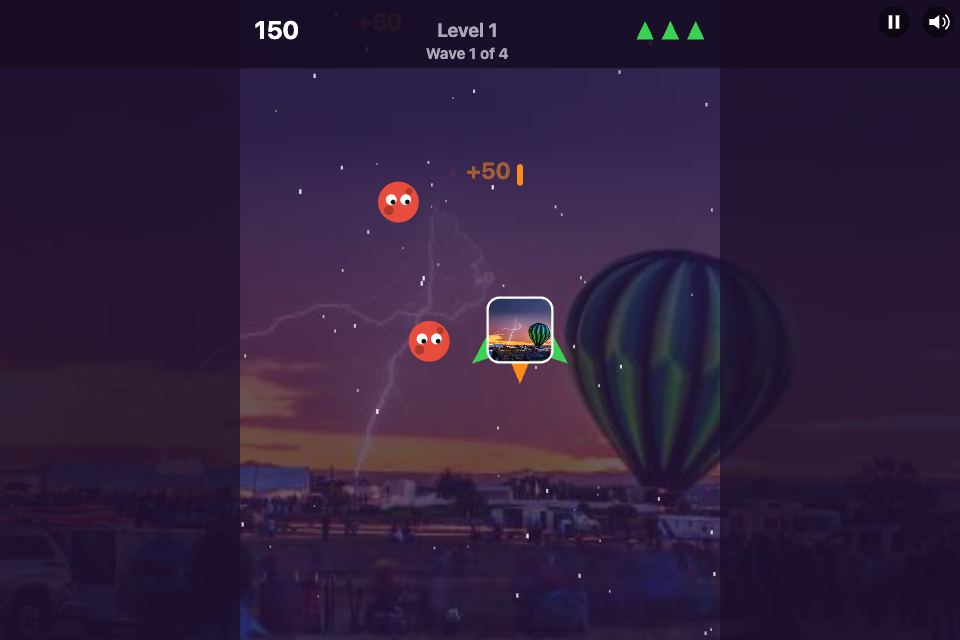
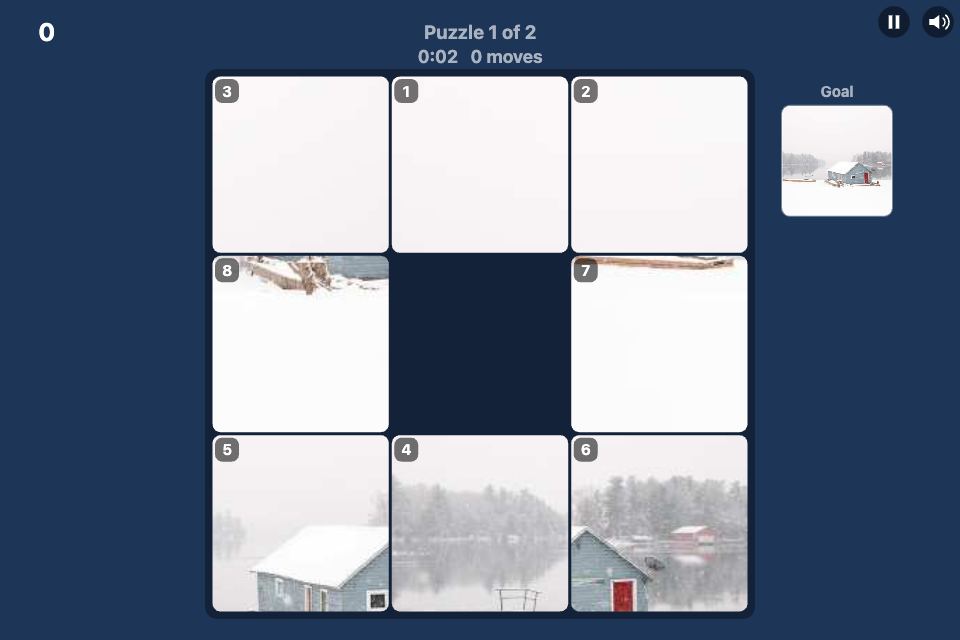
An example made from a picture we drew. Make a game from your own photo.
This example comes from our photo sliding puzzle page.
Examples made from real photos
Choose a photo with a story in it
A candid shot beats a posed portrait. For a birthday, pick a cheerful picture of the guest of honour or a group photo they love. For a reunion, look for one that makes people ask "Where was that?": an old holiday snap, a wedding group, the family home, a crowded kitchen table. Photograph old prints under even light, with no glare on the glossy surface.
- Bright photos with big blocks of colour make puzzles that young children can solve. Photos full of small detail make a longer challenge for adults.
- Ask before you use a photo of anyone who has not agreed to be in a shared game.
- If the photo shows relatives who have died or who cannot be there, think about how it will feel to the group before you share it widely.
Match the game to the players
A party or a reunion usually mixes ages, so it can be worth making a second game as well.
- Sliding puzzle: calm and thoughtful, a good fit for grandparents and puzzle fans.
- Memory match: the gentlest start for small children, and fun for everyone because the cards are pieces of a photo they know.
- Platformer, space shooter or brick breaker: for older children and teens, with the photo as the hero, the ship or the picture behind the bricks.
- Quiz: photograph a poster of facts you wrote about the birthday person, a family tree chart or a page of family history, and the site may write questions from it.
Two ways to make it
On the home page the site looks at the photo and picks the game, so you cannot always order a specific one. In return you get a private link to send, and you can change the game with a request in plain words, such as "make it easier for young kids".
If you want one particular game, open that game's page, such as the sliding puzzle or the memory game, and tap Use your own photo. The game is built on your device, with nothing uploaded and nothing saved. There is no link, so this suits a game played on your own screen, or a photo you would rather not put online.
Running it on the day
- Make and play the game a day or two before.
- Check the link on a second phone, and open the game once at the venue before guests arrive, in case the Wi-Fi is weak.
- Put it on a tablet by the snack table, connect a laptop to a TV for a group round of the memory game, or pass a phone around so each guest adds a few moves to the sliding puzzle.
- At a reunion, ask each player for one memory of the photo, and write the stories down.
Send a game as a greeting card
A puzzle made from a photo of the two of you, or a quiz about a shared memory, is a more personal card than a stock image, and the person opening it gets to play. It works for more than birthdays:
- Thank you: a photo of the thing they helped with, such as a finished project or a meal.
- Get well: something calm and cheerful, such as a pet or a view.
- Holidays: the family group or the decorations.
- New home or new baby: the front door, the pram or the first day.
Writing and sending the card
Make the game on the home page, play it, and use a change request to put a short greeting in the title, such as a name and the occasion. Paste the link into a message with a line of your own, such as "Open this on your phone", and keep any long letter in the message rather than the game. Open the link once in a different browser before you send it.
After a run ends, the share button makes a link that carries your score, and whoever opens it sees the number to beat. A card becomes something the recipient can answer.
Keep it in the family
Anyone with the link can open the game, so send it to the family group chat rather than posting it publicly, and write a greeting you would not mind being forwarded. It stays out of the public gallery unless you tap Publish to gallery, and you can delete it from the browser you made it in.
Questions
Do guests need an app or an account?
Neither. A game opens from its link in the browser on any phone, tablet or computer.
Can relatives who live far away play?
Yes. Send the link and they can play the same game on their own device.
What if the game is too hard for a young guest?
Tap a preset chip or ask for an easier version in your own words. The memory game is the gentlest place to start.
Try it
About the author
Duncan runs CamJam.Fun, a small independent project that turns photos into games. The site is free and paid for by advertising. You can reach him from the Contact page.